How Can You Build an AI Agent Without Writing Code?
Prachi Wadhwa
Author
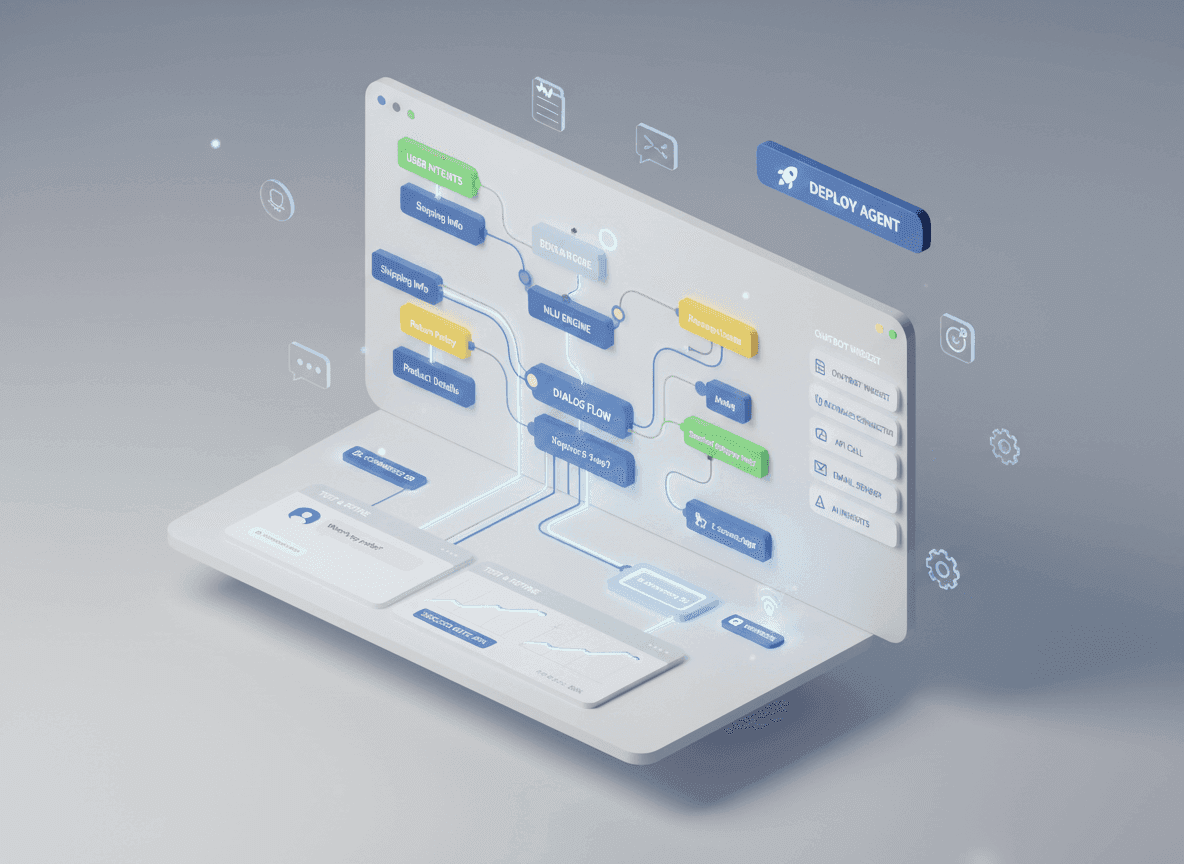
For years, the power of Artificial Intelligence was locked behind a gate of Python scripts and API keys. If a Marketing Manager wanted an autonomous researcher, they had to wait months for a developer to build it.
In 2026, that gate has been torn down. No-code AI agent builders have democratized the Agentic Era. Using visual canvas interfaces and natural language instructions (“Vibe Coding”), anyone can now architect a digital employee that thinks, reasons, and executes tasks across thousands of software applications.
Why No-Code? Breaking the “Engineering Bottleneck”
Building with no-code isn’t just about avoiding programming languages—it’s about velocity.
- Democratized Innovation: Operations, HR, and Sales teams— the people closest to the problems—are now building the solutions.
- Rapid Iteration: Agent logic can be changed instantly by editing prompts instead of redeploying code.
- Zero Infrastructure: Platforms manage hosting, vector databases, and security compliance (SOC2).
The Top 5 No-Code AI Agent Builders of 2026
| Platform | Best For | Standout Feature |
|---|---|---|
| Lindy.ai | Internal Ops & HR | Pre-built templates for 24/7 digital employees |
| Zapier Central | Cross-App Orchestration | 7,000+ integrations via AI Actions |
| Relevance AI | Sales & Data Research | Multi-agent research teams |
| Botpress | Customer Support | Visual flow logic with strong memory handling |
| Gumloop | Data Scraping & SEO | Node-based builder for complex data flows |
Step-by-Step: How to Build Your First Agent
-
Define the Role and Triggers
Role: “Cold Outreach Specialist”
Trigger: New lead added to Google Sheets
Goal: Research LinkedIn activity and draft a personalized intro email -
Choose Your Brain (Model Selection)
Use GPT-4o or Claude 3.5 Sonnet for high-reasoning tasks.
Use Llama 3 for high-volume, lower-cost classification. -
Connect the Knowledge Base (RAG)
Upload PDFs, FAQs, and pricing sheets so the agent retrieves facts instead of hallucinating. -
Design the Action Flow
Search → Analyze → Execute (e.g., send draft to Slack for approval). -
Test in the Sandbox
Run test inputs and refine guardrails like “Never mention pricing in the first email.”
Real-World Example: The Autonomous SDR
The Problem: A founder spends 10 hours a week researching prospects.
The Solution: A no-code agent built in 45 minutes.
The Agent: Monitors TechCrunch for funding announcements, identifies CEOs, finds emails, and drafts personalized outreach.
The Result: The founder now spends just 15 minutes a day reviewing and sending 50 hyper-personalized drafts.
Common Pitfalls: Why No-Code Agents Fail
- The “Do Everything” Trap: Build specialists, not generalists.
- Weak Guardrails: Always define what the agent must not do.
- Ignoring Human Handoff: Add approvals for high-stakes actions.
The 2026 No-Code Build Checklist
- [ ] Reliability: ≥95% consistency
- [ ] Latency: Under 60 seconds per workflow
- [ ] Security: Least-privilege data access
- [ ] Transparency: Clear reasoning logs